

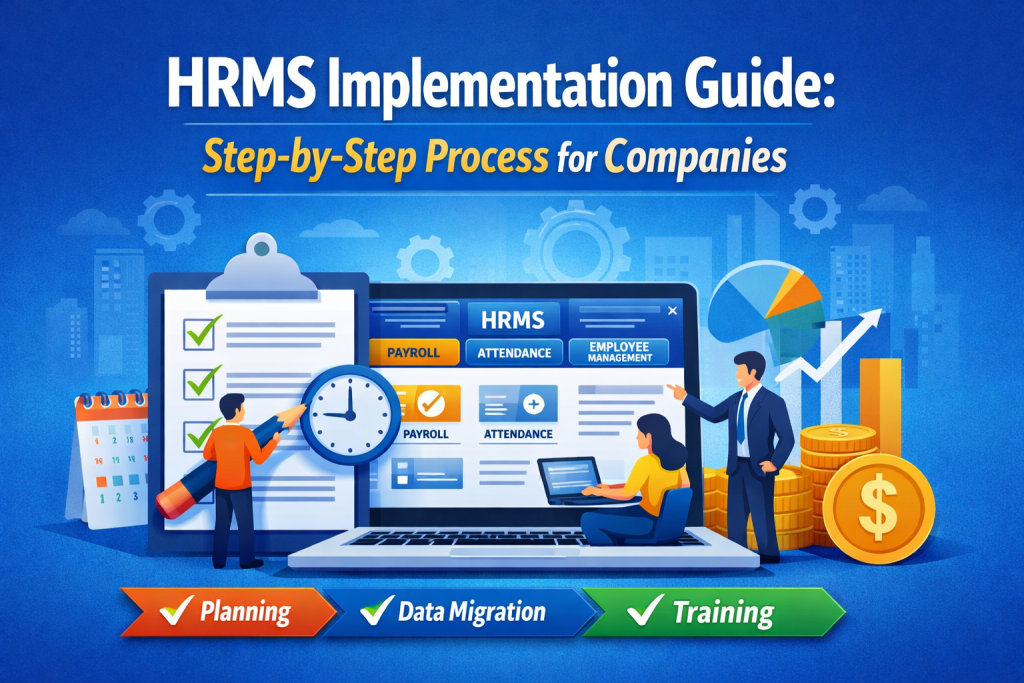
In today’s fast-paced business environment, managing HR processes manually is no longer efficient. Companies are rapidly adopting HRMS software to streamline payroll, attendance, employee management, and performance tracking.
However, simply purchasing software is not enough. A successful HRMS implementation requires proper planning, execution, and employee adoption.
In this guide, we will walk you through the step-by-step HRMS implementation process and show how solutions like Voffice Desk HRMS software can simplify your entire HR operations.
What is HRMS Implementation?
HRMS implementation is the process of integrating a Human Resource Management System into your organization to automate HR tasks such as:
- Payroll management
- Attendance tracking
- Leave management
- Employee data management
- Performance evaluation
A well-implemented HRMS system improves efficiency, reduces errors, and saves time.
Why HRMS Implementation is Important for Companies
Before diving into the process, let’s understand why businesses are investing in HRMS software in 2026:
- Reduces manual HR workload
- Improves payroll accuracy
- Enhances employee experience
- Centralizes employee data
- Supports data-driven decision-making
Tools like Voffice Desk are designed to help businesses automate these processes seamlessly.
Step-by-Step HRMS Implementation Process
Step 1: Define Your HR Requirements
Start by identifying your company’s HR needs:
- Do you need payroll automation?
- Are you struggling with attendance tracking?
- Do you want better employee performance management?
Clearly defining your goals helps you choose the right HRMS software.
Step 2: Choose the Right HRMS Software
Selecting the right platform is critical. Look for features like:
- Payroll management system
- Leave & attendance tracking
- Employee self-service portal
- Performance management tools
Voffice Desk HRMS software offers all these features in one platform, making it ideal for small and growing businesses.
Step 3: Create an Implementation Plan
A proper HRMS implementation plan should include:
- Timeline
- Budget
- Team responsibilities
- Data migration strategy
Planning ensures a smooth transition from manual HR to automation.
Step 4: Data Migration & Setup
Transfer all your HR data into the new system:
- Employee records
- Salary structures
- Attendance data
Ensure data accuracy during migration to avoid future errors.
Platforms like Voffice Desk make this process simple with guided onboarding.
Step 5: Customize the HRMS System
Every business is different, so customization is key:
- Set company policies
- Configure payroll rules
- Define leave policies
A flexible solution like Voffice Desk HRMS allows easy customization based on your business needs.
Step 6: Employee Training & Adoption
Even the best software fails without proper usage. Train your employees on:
- How to use the HRMS portal
- Mark attendance
- Apply for leaves
- Access payslips
User-friendly systems like Voffice Desk ensure faster adoption.
Step 7: Testing & Go Live
Before full launch:
- Test payroll processing
- Check attendance tracking
- Verify reports
Fix any issues and then go live with your HRMS system.
Step 8: Monitor & Optimize
After implementation:
- Track system performance
- Collect employee feedback
- Optimize workflows
Continuous improvement ensures maximum ROI from your HRMS software.
Common Challenges in HRMS Implementation
Companies often face:
- Resistance to change
- Data migration errors
- Lack of training
- Poor planning
Choosing the right solution like Voffice Desk HRMS software can help overcome these challenges effectively.
Benefits of Using Voffice Desk HRMS Software
Here’s why businesses prefer Voffice Desk:
- Easy-to-use interface
- Complete HR automation
- Accurate payroll processing
- Scalable for growing businesses
- Affordable pricing
It is a complete solution for companies looking to simplify HR operations.
Conclusion
A successful HRMS implementation can transform your HR department from manual processes to a fully automated system. By following the right steps—from planning to optimization—you can ensure a smooth transition and long-term success.
If you’re looking for a reliable and efficient solution, Voffice Desk HRMS software is the perfect choice to streamline your HR processes in 2026 and beyond.